Data model along your processes
Customers, products, projects and your own business objects with clear relationships. We use what the standard offers and add what is missing.
Dataverse carries Dynamics 365 and your Power Apps. We build the data model along your processes, with a security model that also handles strict rules such as Chinese walls, and with clean handovers to ERP and Fabric. Our largest environments run with several thousand users worldwide.
Explore functions and applications ↓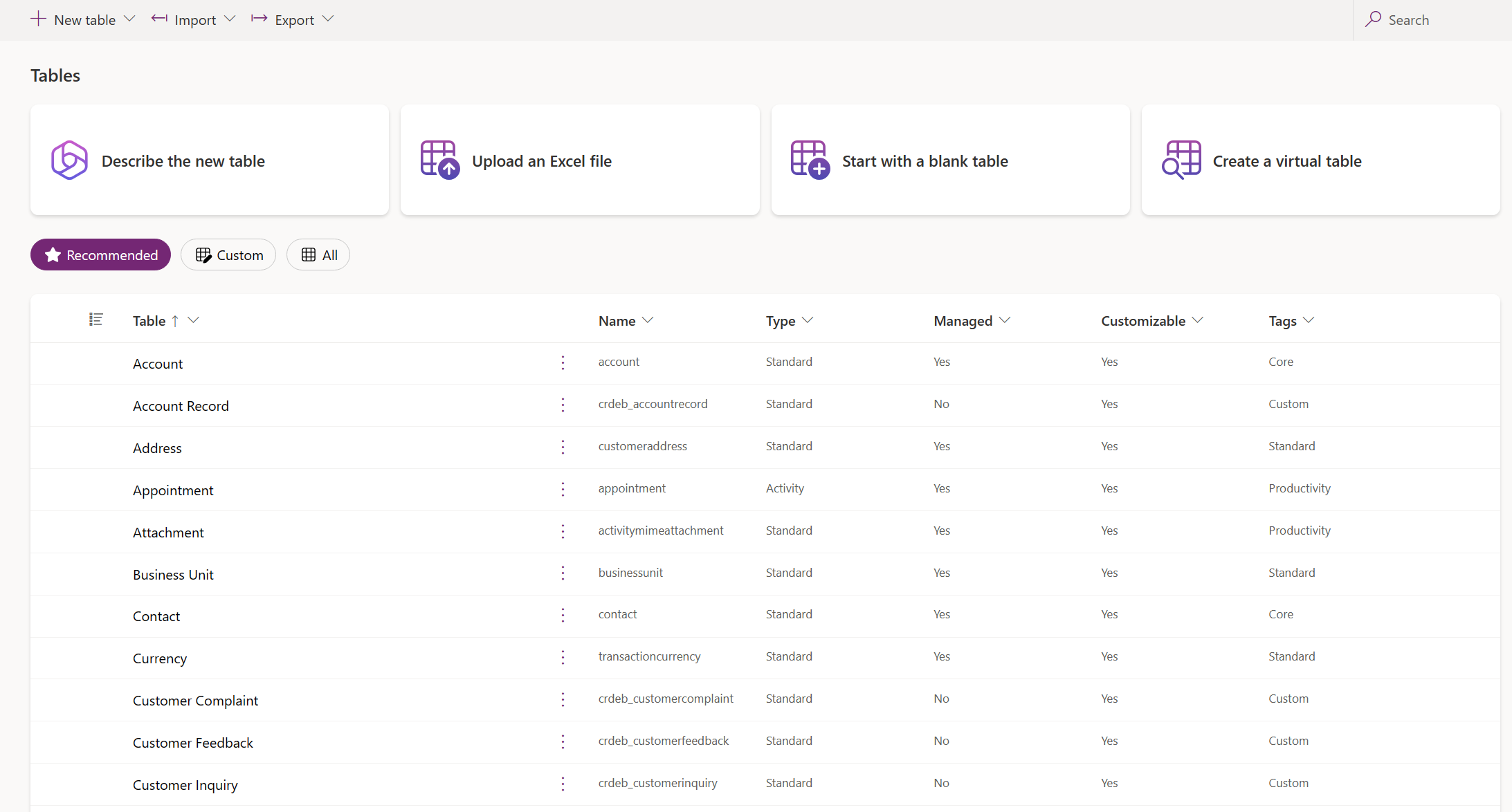
Customers, products, projects and your own business objects with clear relationships. We use what the standard offers and add what is missing.
Roles, business units, teams and field security control who may see what, up to Chinese walls between departments and engagements.
Business rules, plug-ins and APIs check data and trigger actions. Interfaces follow the same rules as the app.
We load high volumes in parallel and within fixed time windows. We plan capacity and retention along with it.
Laboratory, fleet or sales use the same customer and master data instead of conflicting copies.
Prices, items and orders stay authoritative in the ERP where that makes sense. We define direction, timing and error handling.
The data is analysed through Fabric and Power BI without burdening day-to-day operations.
In international consultancies, Dataverse carries quotes, project planning and staffing for several thousand users worldwide. Chinese walls and KYC rules are implemented in the security model and also apply in the interfaces to SAP.
Read the reference story →This explains the responsibilities. APIs, access and data ownership are agreed for your workflow.
delivered by NXTGNyour systems and teams
Dataverse capacity is part of the licence. We plan growth and retention so no extra costs come as a surprise.
No. What is needed operationally lives in Dataverse. Other systems stay authoritative or are connected for analysis.
No. Dataverse runs operational records, Fabric is the platform for analysis. We connect both.
Yes. With business units, teams and field security we separate data between departments and engagements. This also applies to the interfaces.
Discuss your workflow, existing systems, implementation and operational requirements with us.