Data from every system
Dynamics 365 and Dataverse, SAP and other ERP systems, IoT data and files come together in OneLake.
When data comes from many systems, volumes are large or AI should work on it, we build the data platform with Microsoft Fabric. CRM, ERP, IoT devices and business systems land in one place, and Power BI and AI access it. We start with a clear use case, not a data lake without a purpose.
Explore functions and applications ↓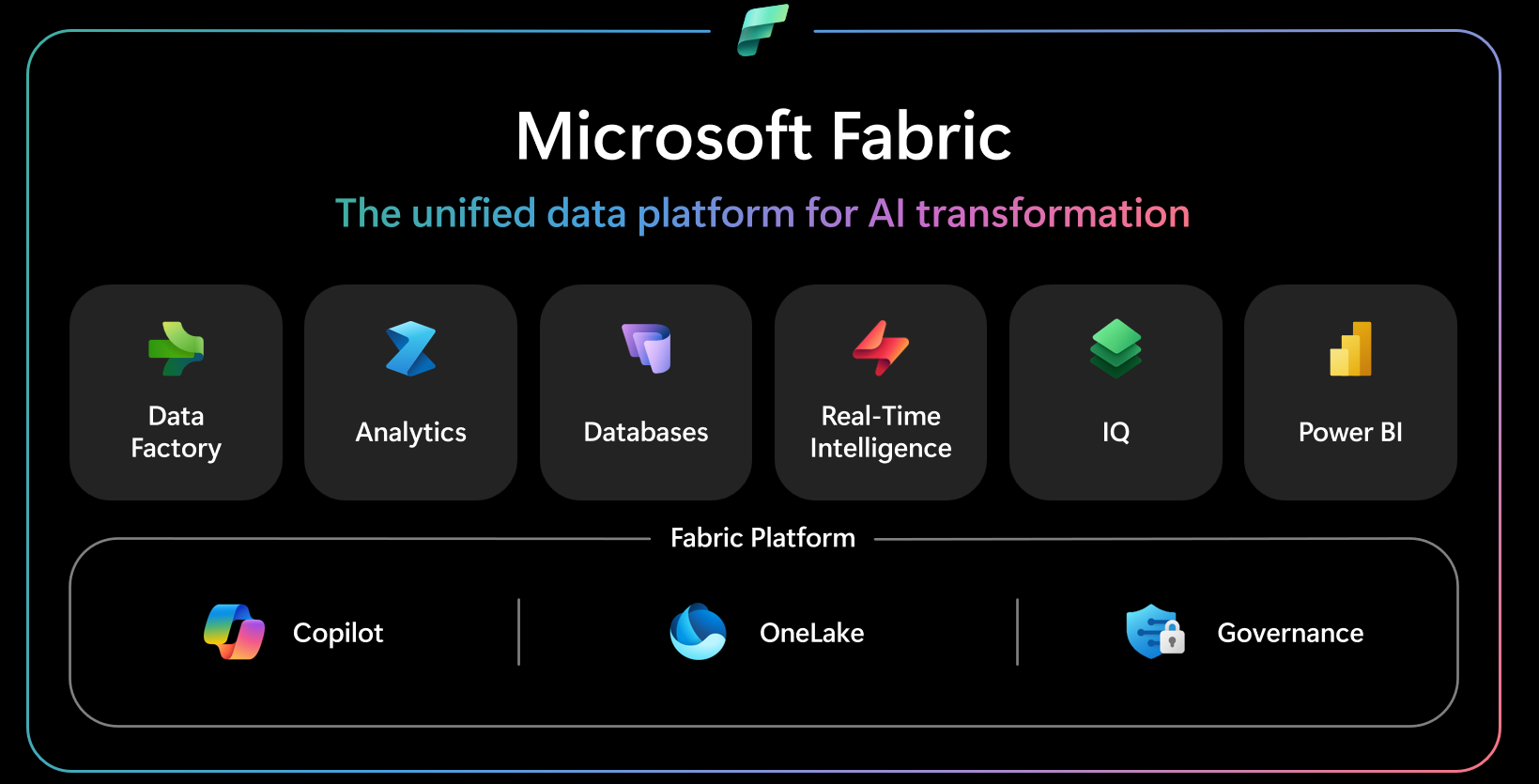
Dynamics 365 and Dataverse, SAP and other ERP systems, IoT data and files come together in OneLake.
Pipelines and Dataflow Gen2 clean and enrich the data. AI-based checks show early where quality falls short.
The semantic model defines key figures once. Power BI, Excel and AI use the same numbers.
Forecasts, analyses and agents work directly on the platform, with Microsoft Foundry or NXTGN AI CORE.
We plan workspaces, roles and capacity so access is right and costs match usage.
CRM and ERP data from several subsidiaries comes together. Pipeline, revenue and contribution margin come from one source.
Readings from connected devices are combined with customer and service data, for example for maintenance or new services.
Clean, documented data is the foundation for every AI use case.
This explains the responsibilities. APIs, access and data ownership are agreed for your workflow.
delivered by NXTGNyour systems and teams
Fabric is billed by capacity. We size it by data volume and users and check before use which new features are still in preview.
For many reports Power BI is enough. Fabric pays off with many sources, large volumes, real-time data or when AI should work on the data.
Often, yes. We check what moves over and what existing systems continue to do.
Directly through the link from Dataverse to Fabric, without separate export jobs.
Discuss your workflow, existing systems, implementation and operational requirements with us.