Connect sources
Tables, files, ERP and legacy systems, on premises through a gateway or directly from the cloud.
We prepare data from your sources with dataflows and Power Query, for migrations, master data and analysis. Before data lands in Dataverse or Fabric, we clean it, find duplicates and fill in missing details. Every load is repeatable and monitored.
Explore functions and applications ↓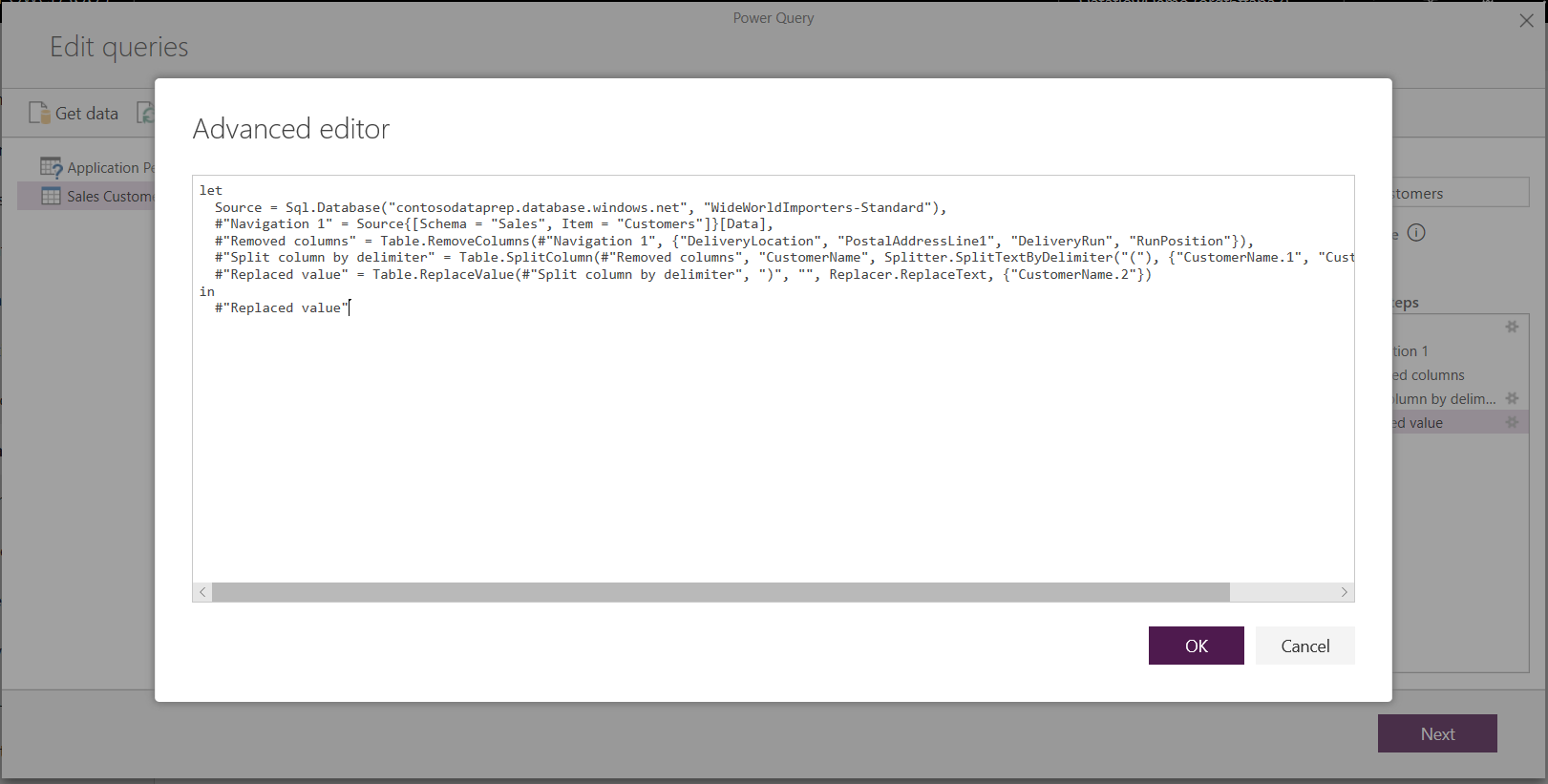
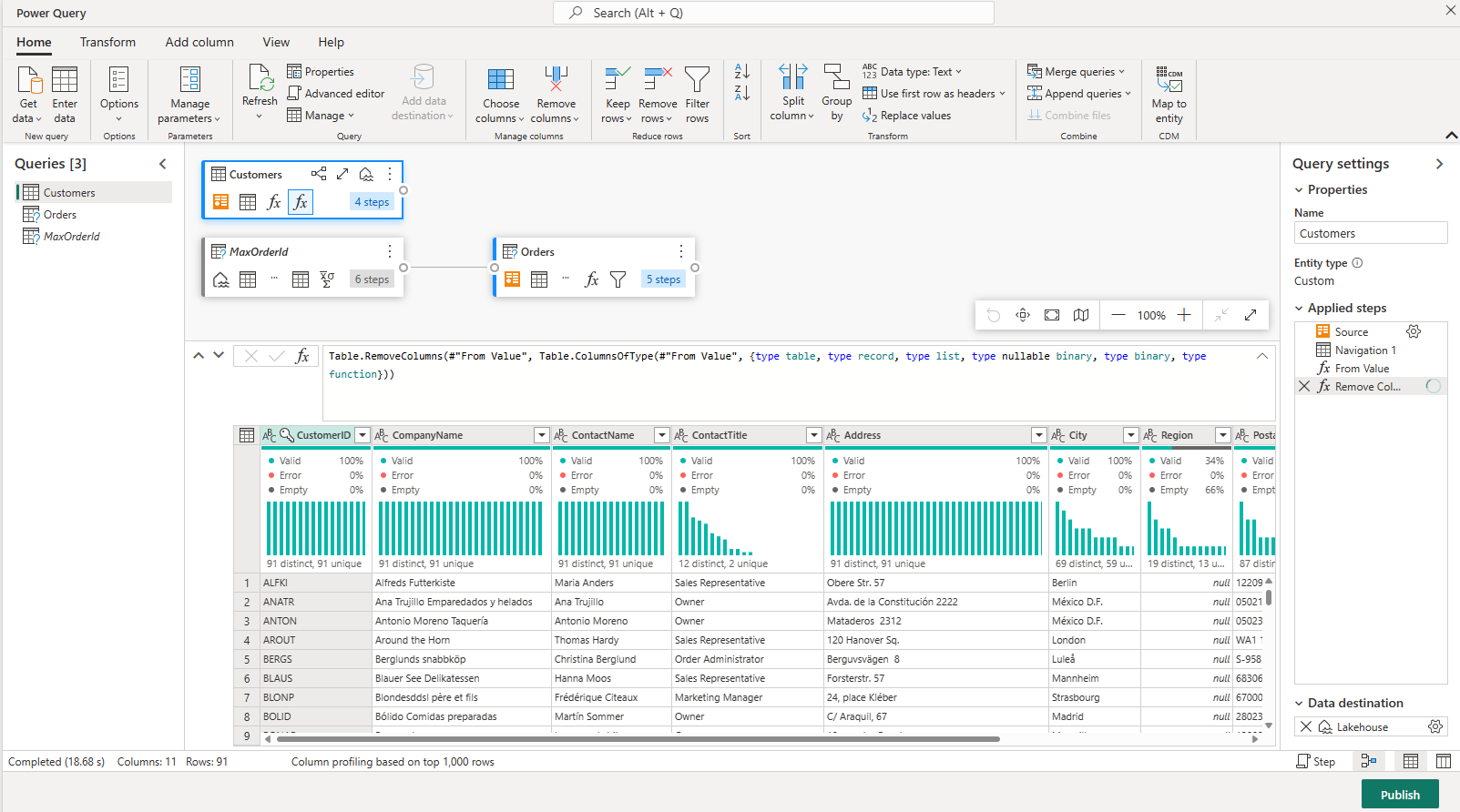
Power Query is available in Fabric too. Dataflows Gen2 belongs to the analytics platform, not the same deployment as a Power Platform dataflow for Dataverse. Sources, destinations and operations are selected separately.
Tables, files, ERP and legacy systems, on premises through a gateway or directly from the cloud.
Power Query cleans formats, finds duplicates and fills in missing details, also from external sources. AI-based checks show early where quality falls short.
We map tables and columns and define keys so no duplicate records arise. Rejected rows go to a review list.
Schedule, run history and errors are visible. No report keeps running unnoticed on stale data.
When moving to Dynamics 365 we carry over the data from the old CRM, cleaned and without duplicates.
Customers, items and prices come regularly from the ERP into your apps.
For Fabric we use Dataflow Gen2 and pipelines, and load large volumes in parallel.
We review existing dataflows and move them to Dataflows Gen2 where it makes sense.
This explains the responsibilities. APIs, access and data ownership are agreed for your workflow.
delivered by NXTGNyour systems and teams
Microsoft treats Power BI Dataflow Gen1 as legacy. For new analytics we use Dataflows Gen2.
Dataflows prepare data sets, Power Automate controls workflows and actions. We often use both.
No. Dataflows run on a schedule. For real time we build an integration in Azure.
It goes to a review list instead of the target system. Your team corrects it and the next run picks it up.
Discuss your workflow, existing systems, implementation and operational requirements with us.