Build surveys
Design questions, branching, languages and satisfaction metrics for the occasion rather than one questionnaire for everyone.
With Customer Voice, customer feedback lands directly on the service case, project or event in the CRM. We set up questions, distribution and analysis and define who responds to feedback.
Explore functions and applications ↓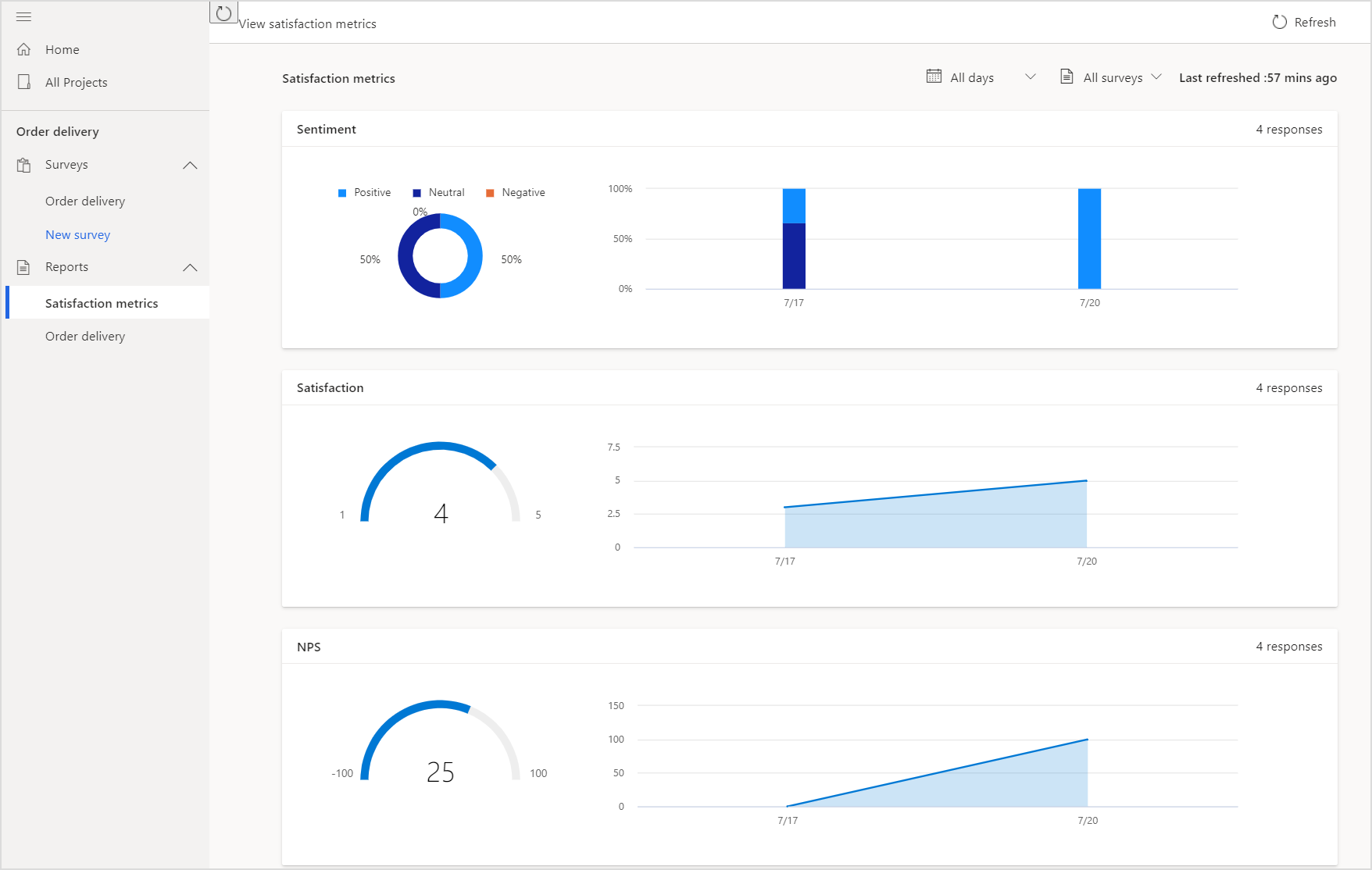
Design questions, branching, languages and satisfaction metrics for the occasion rather than one questionnaire for everyone.
Send invitations within agreed workflows, such as after case completion. Review distribution and follow-up rules.
Connect invitations and responses to customer and process context using Dataverse and Power Automate.
Dashboards expose feedback and metrics. Assign owners for critical responses instead of reporting only averages.
Link feedback to a case and route dissatisfied customers into an agreed callback process.
Collect application and training feedback to guide rollout without turning responses into performance promises.
Milestone surveys complement account history and discussions, with defined access and follow-up ownership.
This explains the responsibilities. APIs, access and data ownership are agreed for your workflow.
Check licensing and response capacity, identity matching, privacy and distribution rules before activation. Surveys do not replace customer conversations.
Customer Voice is designed for feedback management with customer context, invitations and satisfaction metrics. Forms is not automatically equivalent.
Yes, defined follow-up actions can use workflows. Commitments and business decisions remain controlled.
Discuss your workflow, existing systems, implementation and operational requirements with us.