Connect knowledge
SharePoint, documents, websites and NXTGN AI CORE. We choose sources by purpose and freshness, not by volume.

With Copilot Studio we build agents for Teams, your website or Microsoft Copilot. They answer questions with your knowledge, complete tasks in CRM and ERP and hand over to your team when needed. Through the MCP interface they also access NXTGN AI CORE securely, without your knowledge leaving the company.
Explore functions and applications ↓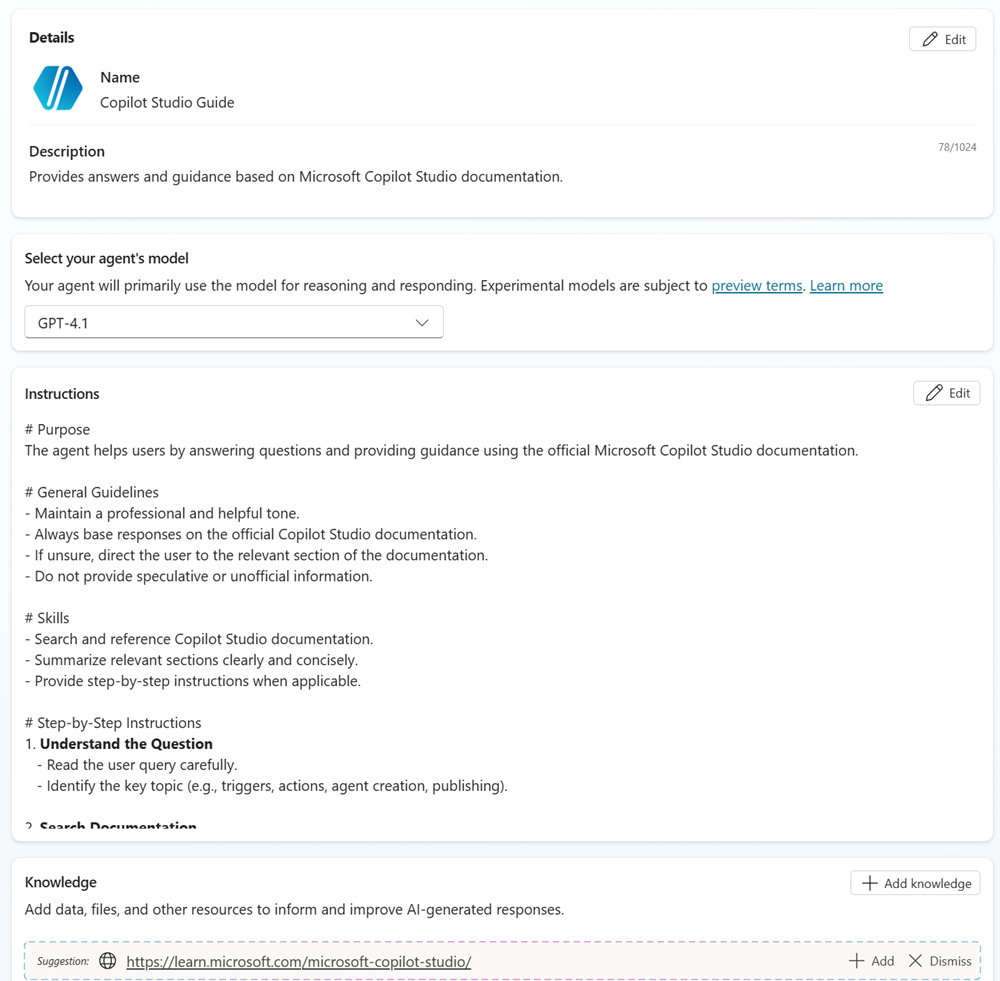
SharePoint, documents, websites and NXTGN AI CORE. We choose sources by purpose and freshness, not by volume.
Through connectors, flows and MCP the agent creates records, looks up data and starts processes, with exactly the rights it needs.
The agent asks follow-up questions and hands over to your team with context. Nobody starts from scratch.
Test cases check answers, actions and forbidden paths. After launch we monitor quality and usage.
HR, IT or sales no longer answer standard questions themselves. The agent knows the rules and the documents.
Enquiries are captured in a structured way and missing details are requested. Service receives the case with context.
For domain knowledge with ontology and local models, the agent connects to NXTGN AI CORE through MCP. The knowledge base stays with you.
For agents with their own logic, many systems or high volumes we build in Microsoft Foundry.
This explains the responsibilities. APIs, access and data ownership are agreed for your workflow.
delivered by NXTGNyour systems and teams
Copilot Studio is billed by usage. We estimate the costs with your volumes before the start.
Copilot Studio is quicker to build and fits Teams and Microsoft 365 well. Foundry is stronger when agents need their own logic, many systems or high volumes.
Only through approved actions with the right permissions. We also test that forbidden actions do not work.
Yes. AI CORE always includes an MCP interface. The agent asks through it, and the answer comes back with evidence.
Discuss your workflow, existing systems, implementation and operational requirements with us.